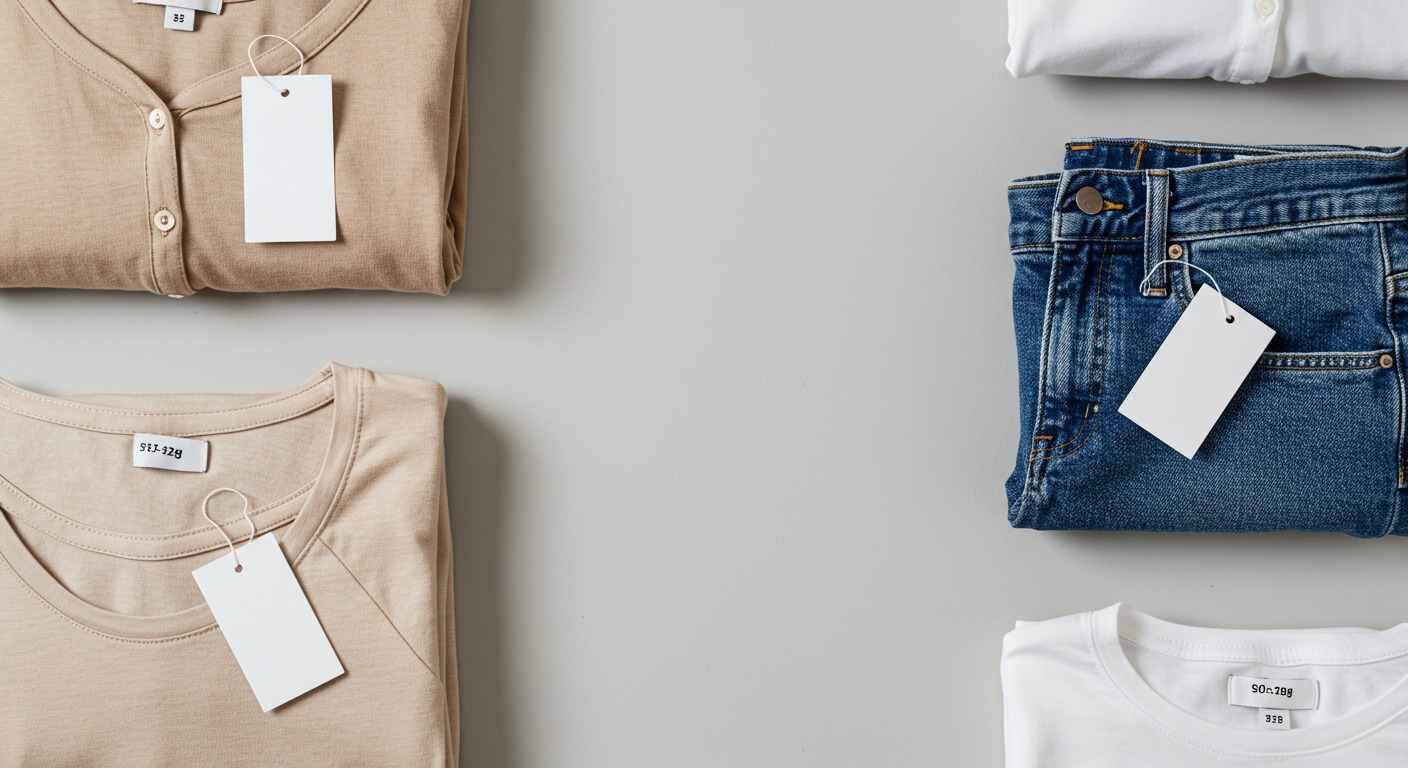
You ordered a medium in a top and it fit perfectly. You ordered a medium from the same brand's jeans and they barely made it past your hips. Same brand. Same size. Completely different result.
This isn't your imagination, and it's not your body that changed. Brand size variation is one of the most frustrating and least-discussed realities of online shopping. Here's what's actually happening — and how to make it irrelevant.
Why this happens (the short version)
Clothing brands don't manufacture everything in one factory with one set of patterns. A given brand might source tops from one supplier in Vietnam, jeans from another in Bangladesh, and dresses from a third in Turkey. Each factory works from slightly different fit blocks — the templates used to cut fabric. The same "Medium" on the label can correspond to meaningfully different measurements across product categories.
A few factors compound this:
- Vanity sizing drift — brands gradually shift their size numbers over time. A Medium from three years ago isn't the same Medium today.
- Category-specific fit logic — a brand might size their knitwear for a loose, oversized feel but cut their wovens close to the body. One label, two different philosophies.
- Fabric behavior — cotton relaxes, denim stretches with wear, synthetics hold their shape. The measured size and the worn size aren't always the same thing.
None of this is intentional deception. It's just how global apparel manufacturing works. The problem is that the size label gives you no information about any of it.
The fix: see it on your body before you buy it
Measuring yourself and cross-referencing size charts helps — but it doesn't answer the real question: how will this specific piece look on my specific body?
That's what Fitly solves.
Fitly is a Chrome extension that lets you try on any garment from any online store before you buy it. You upload one full-body photo — once — and then drag any clothing image from any product page onto Fitly's side panel. You get an instant preview: that exact garment, on your body.
Here's why this matters for size variation specifically: you're not comparing your measurements to a brand's size chart anymore. You're seeing whether a specific garment, in a specific cut, from a specific brand, looks right on your frame. If it doesn't — wrong proportion, wrong length, too boxy — you know before checkout. Not after a 10-day wait and a trip to the post office.
The try-on is free to use and works across practically every clothing site you already shop on. You install it in about 30 seconds. Then you shop the same way you always do, except now you can actually see what you're buying.
→ Try it from the Chrome Web Store

A few habits that help too
Fitly handles the visual question. A couple of other habits close the remaining gaps:
Read measurements, not size labels. Most product pages include garment measurements somewhere — chest width, body length, inseam. These are more honest than the size label. If a brand publishes them, use them. A medium that measures 19" across the chest is a different garment than a medium that measures 22".
Check reviews for fit notes. Ignore star ratings. Look for comments that say "runs small," "true to size," or "boxy through the shoulders." Real shoppers with real bodies leave these clues. A few minutes of reading can save you a return.
When in doubt on tops, size up. This is a rough heuristic, not a rule — but if you're genuinely between sizes, most people find it easier to work with a top that's slightly roomy than one that won't button.
The goal: buy it once, keep it
The reason brand size variation is so frustrating isn't just the inconvenience of returns. It's that every time you order something and it doesn't fit, you're less confident about buying online at all.
Fitly removes that doubt at the source. When you can see a garment on your actual body before you buy it, size variation becomes a background fact of manufacturing instead of a recurring problem in your shopping life.
One upload. Every store. Outfit confirmed before checkout.
Install Fitly free from the Chrome Web Store — one upload, every store, no more brand-size guessing.