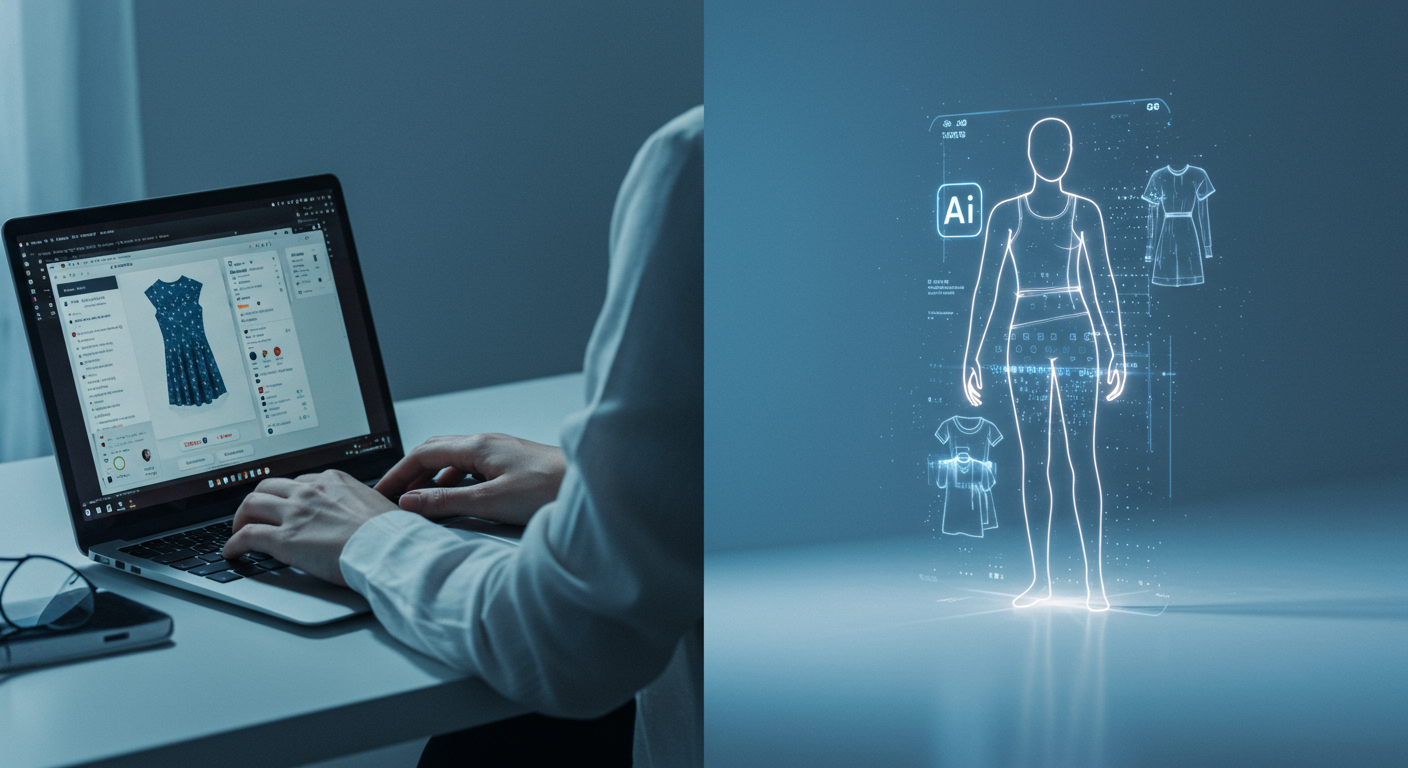
If you've read anything about AI virtual try-on, you've probably seen two takes: the breathless "this changes everything" press release, or the dismissive "lol it just slaps a shirt on a photo." Neither is quite right.
This post is neither. Here's an honest look at what the technology actually does, what it handles well, where it still has limitations, and why it's still useful even accounting for those limits.
What the AI is actually doing
When you use a virtual try-on tool, you're not just seeing an image pasted onto your photo. The underlying model — at least in the better implementations — is doing something more sophisticated.
The AI analyzes:
- Your body geometry — pose, proportions, and silhouette from the photo
- The garment — its shape, structure, and how a real version of it would drape on a body
- Physics-informed rendering — how the fabric would fall, fold, and sit given those two inputs
The result is a synthesized composite that tries to show the garment scaled and positioned to your body, not just floating on top of it. The difference matters. A blazer needs to land at the right hip point. A dress needs to fall to a plausible hem. A t-shirt needs to pull or hang depending on how it fits.
The models powering this — including Google's Vertex AI virtual-try-on model, which Fitly uses — are trained on massive datasets of garment-on-body images. The output is a prediction based on pattern recognition at scale, not a 3D simulation.
What it gets right
For most everyday shopping scenarios, the technology performs well:
Silhouette and overall fit impression. This is the main thing shoppers need. Does the jacket run boxy or fitted? Does the dress hit at the knee or the mid-thigh? Is the top cropped or full-length? Virtual try-on answers these questions visually, on your proportions, not the model's.
Garment scale and positioning. A well-implemented tool adjusts for your height and frame so a maxi dress doesn't accidentally hit mid-calf or a crop top doesn't read as a full-length blouse.
Color and tone. The garment's color in the preview is accurate to the product image — this sounds obvious but is actually useful when you're deciding between a warm camel and a cool taupe.
Style compatibility. Seeing a piece on your body quickly answers "does this feel like me?" in a way no size chart can. That gut-check moment — whether a piece looks right on your silhouette — is immediate with visual try-on and nonexistent without it.
Where it still has limits
No honest review skips this part.
Texture and fabric behavior. Sheer fabrics, heavy knits, and highly structured materials are harder to render accurately. The AI can approximate how a knit might look — but whether it's truly chunky or surprisingly thin in hand is information that's not in a product photo.
Stretch and compression. Activewear and fitted pieces that rely on stretch behave differently on different body types. The AI handles the shape well, but the degree of stretch and how it would feel against your body isn't something a visual composite can capture.
Complex poses and occlusion. Your try-on photo works best when it's a straightforward full-body shot — arms relaxed, clear silhouette. Unusual angles, heavy layering, or crossed arms can create artifacts. The tech is improving here, but it's worth taking a clean photo if you want clean results.
Very layered or accessory-dependent looks. Styling a piece in a way that relies on what's underneath it, or that changes significantly based on how it's tucked or belted, is still mostly up to your imagination.
Why it's still worth using, limits and all
Here's the thing: the question isn't "is virtual try-on perfect?" The relevant question is "is virtual try-on more useful than what I was doing before?"
Before: you were buying based on a product photo taken on a model who shares zero measurements with you, lit and styled to sell the idea of the garment rather than show you how it actually fits real bodies.
With virtual try-on: you can see the silhouette on your frame, spot whether a proportional choice works for your height, and answer the gut-check question — does this feel like something I'd actually wear — before you commit.
The technology doesn't need to be 100% accurate to be useful. It needs to be more useful than the alternative, which it is.
The real return problem isn't quality surprises — it's the gap between how clothes look on a model and how they'd look on you. Virtual try-on directly addresses that specific gap.
How Fitly fits into this
Fitly is a Chrome extension that brings virtual try-on to any online store — not just retailers who've built their own in-house tools. That universality matters because your shopping isn't confined to one retailer's walled garden.
The flow is simple:
- Install — Add Fitly from the Chrome Web Store in about 30 seconds
- Upload once — a clear, full-body photo facing forward
- Shop normally — any clothing site
- Try on — right-click any garment image → Try on with Fitly, or drag it into the side panel
Your photo is encrypted in transit and processed on secure endpoints. Fitly doesn't store or sell your image.
Virtual try-on isn't magic. But it's a genuinely useful tool for the specific problem online shoppers face — buying clothes they can't physically hold, on bodies that don't look like the model's. Used with realistic expectations, it's one of the most practical things you can add to how you shop.